Advanced Story Maps for Jira
Plan your product roadmap in Jira with custom fields, flexible map structures, and release planning for larger teams.

Features
Advanced Story Maps covers custom fields, flexible hierarchies, and releases that span more than one Jira project.
Show the structure your team actually uses
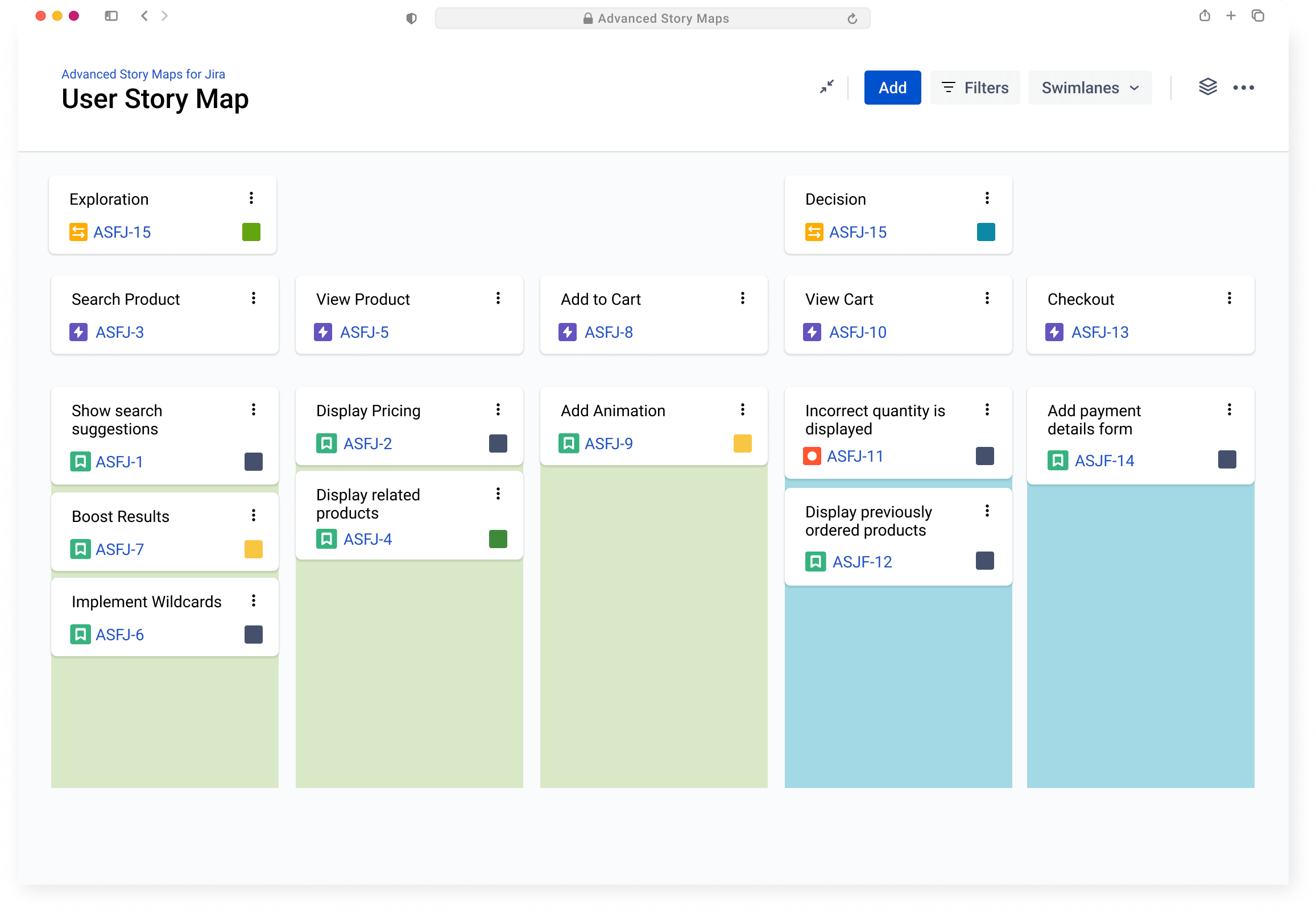
Build the map around your Jira hierarchy, then add the fields and links that matter to the conversation. The result is a view of the product as your team understands it, not a fixed template.
In the screenshot: the map brings related levels of work together so you can see where a decision sits and what it affects.
Change the view as the plan changes
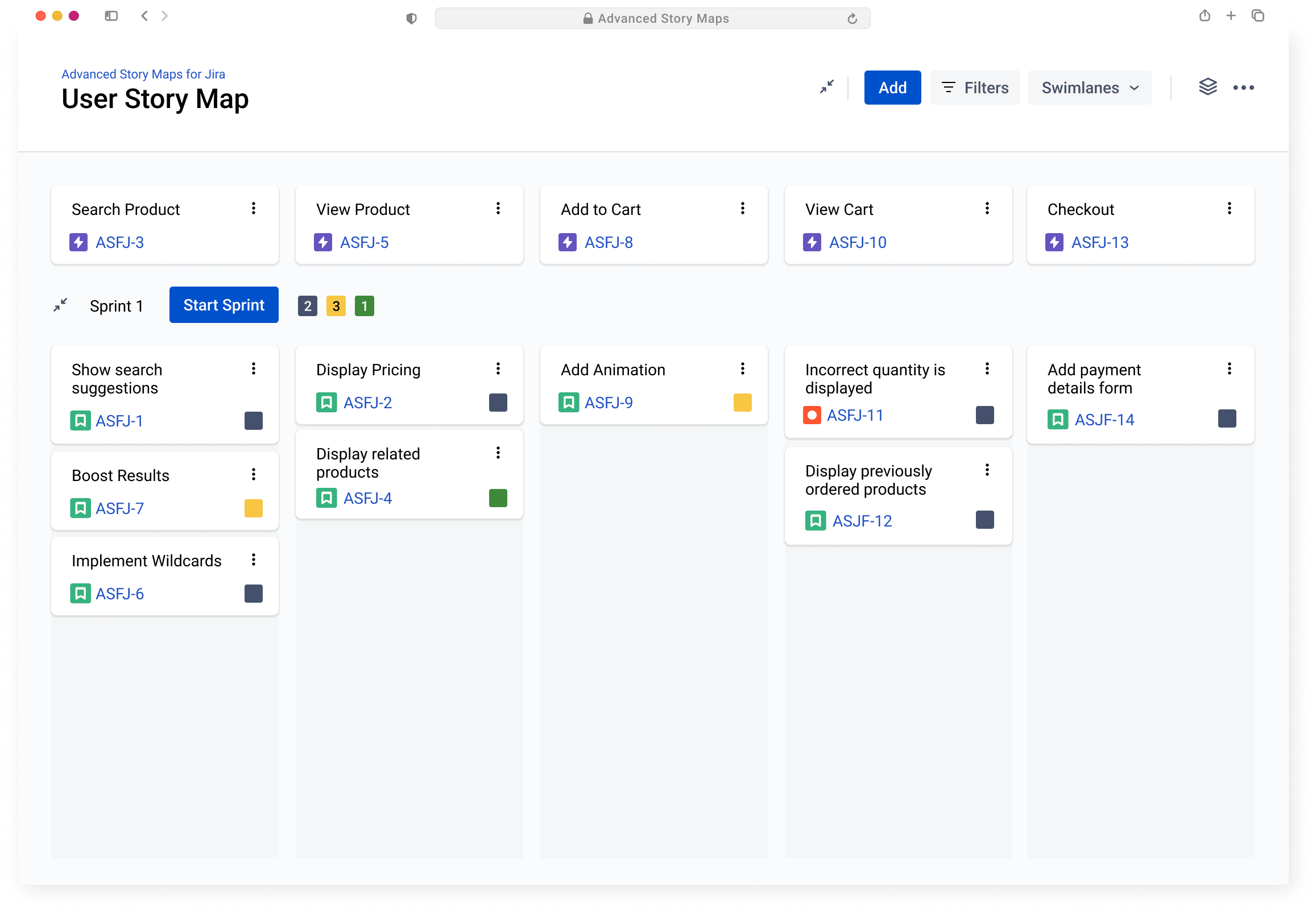
A large product plan rarely stays tidy for long. Reorder issues, move them between levels, and adjust the information on each card while the underlying Jira work stays connected.
Useful when a discovery session changes the shape of an initiative, or a delivery team needs a closer view of the next few sprints.
See what a release can carry
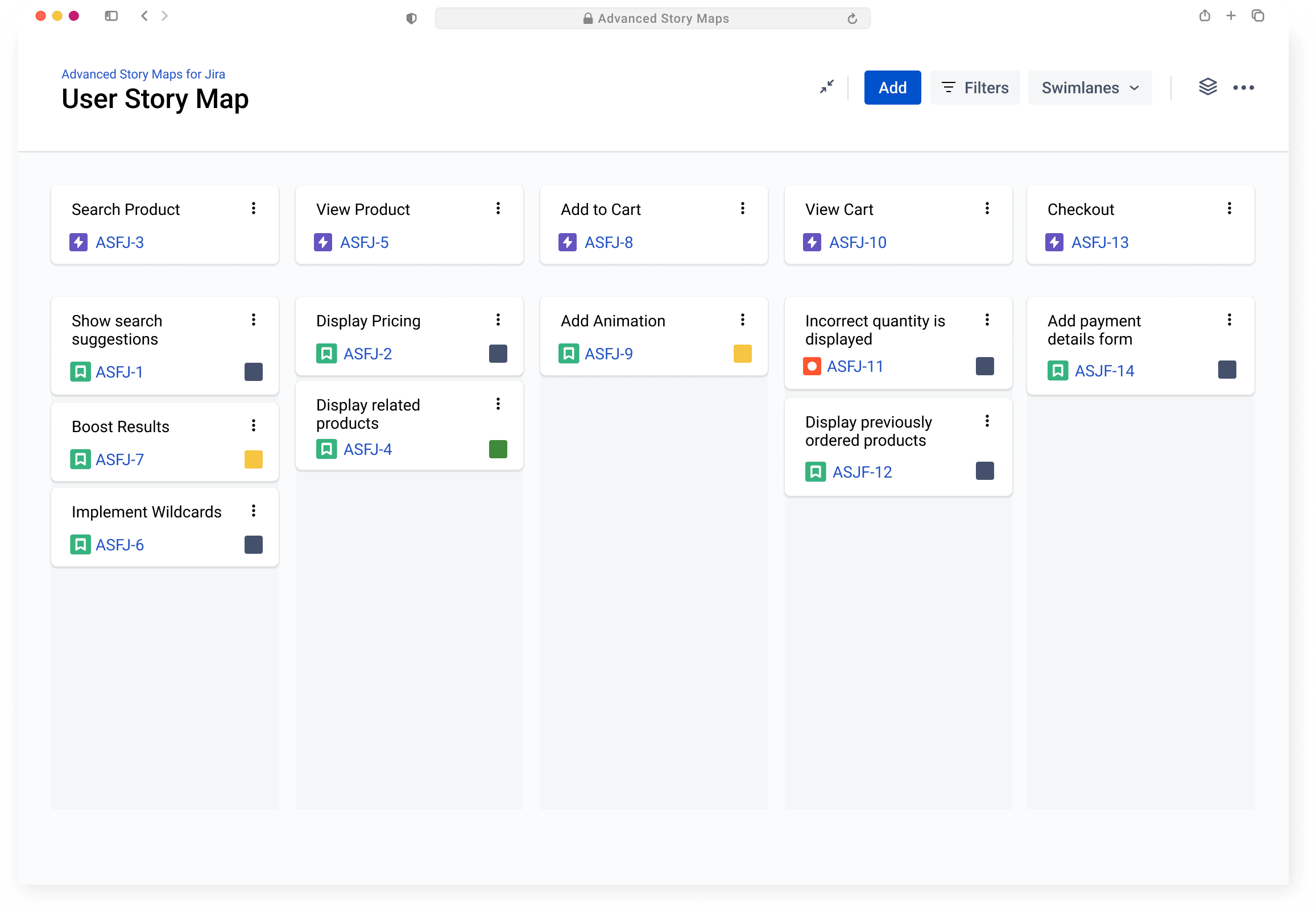
Assign stories to releases and review them in the context of the wider map. You can see the intended outcome, the work underneath it, and the gaps that still need attention.
Before you commit, compare the planned slice with the people, dependencies, and other work already in the map.