
Story Maps for Jira
Get started with user story mapping in Jira. Create visual story maps to organize your backlog and plan releases.

Core Features
A closer look at the map, the backlog, and the release decisions they help you make together.
Put the journey above the backlog
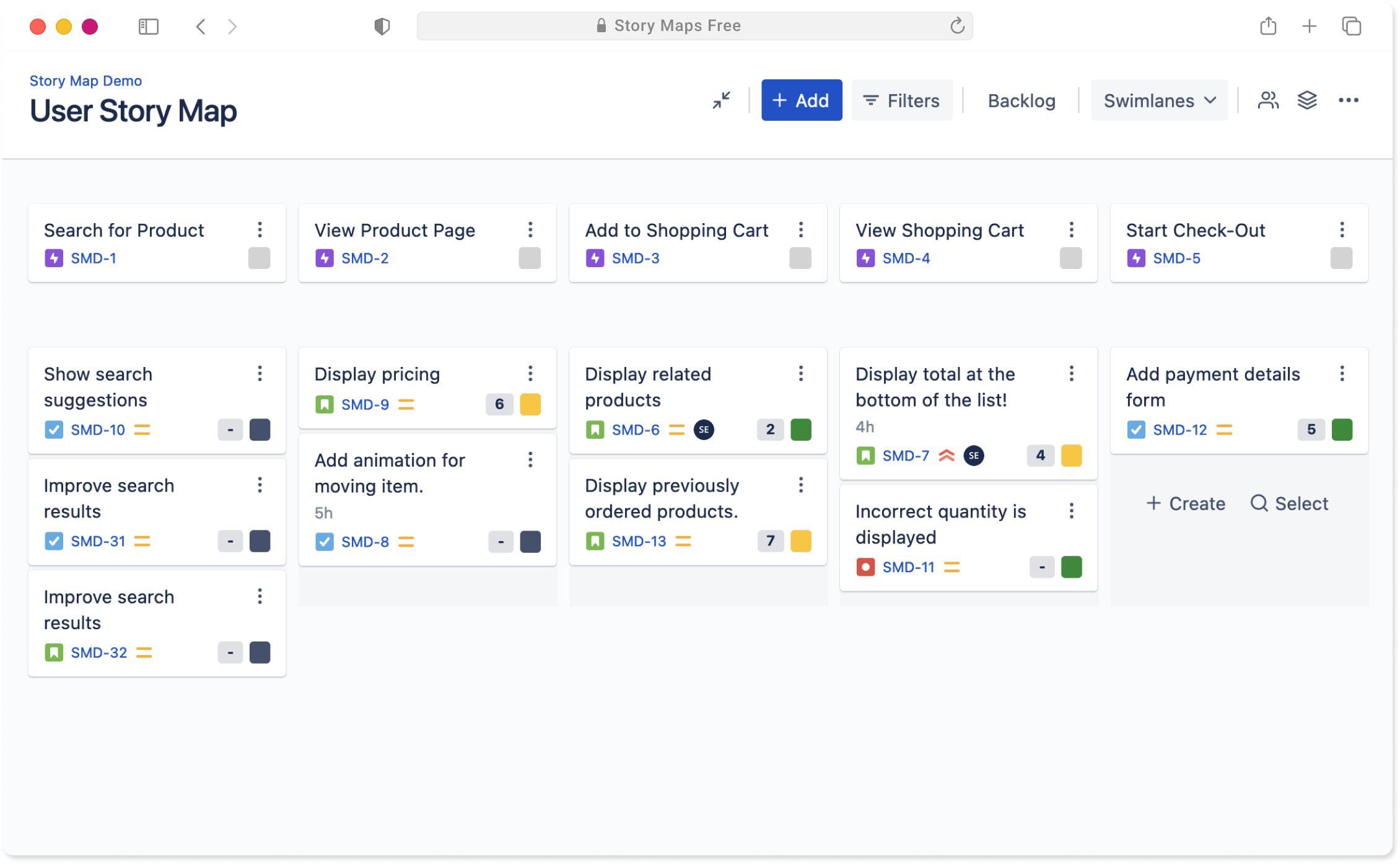
The top row keeps the user’s steps in view. The cards underneath are the Jira issues that support each step, so the team can talk about the experience and the work at the same time.
Useful in a planning session: spot missing work, discuss trade-offs, and agree on what belongs in the first release.
Keep Jira issues in the conversation
Work with the issues your team already has in Jira, arranged into a map that is easier to scan than a long backlog. Move cards as the plan changes without leaving the planning view.
What this changes: product, design, and delivery can point to the same piece of work while they decide what to do next.
Give each release a visible boundary
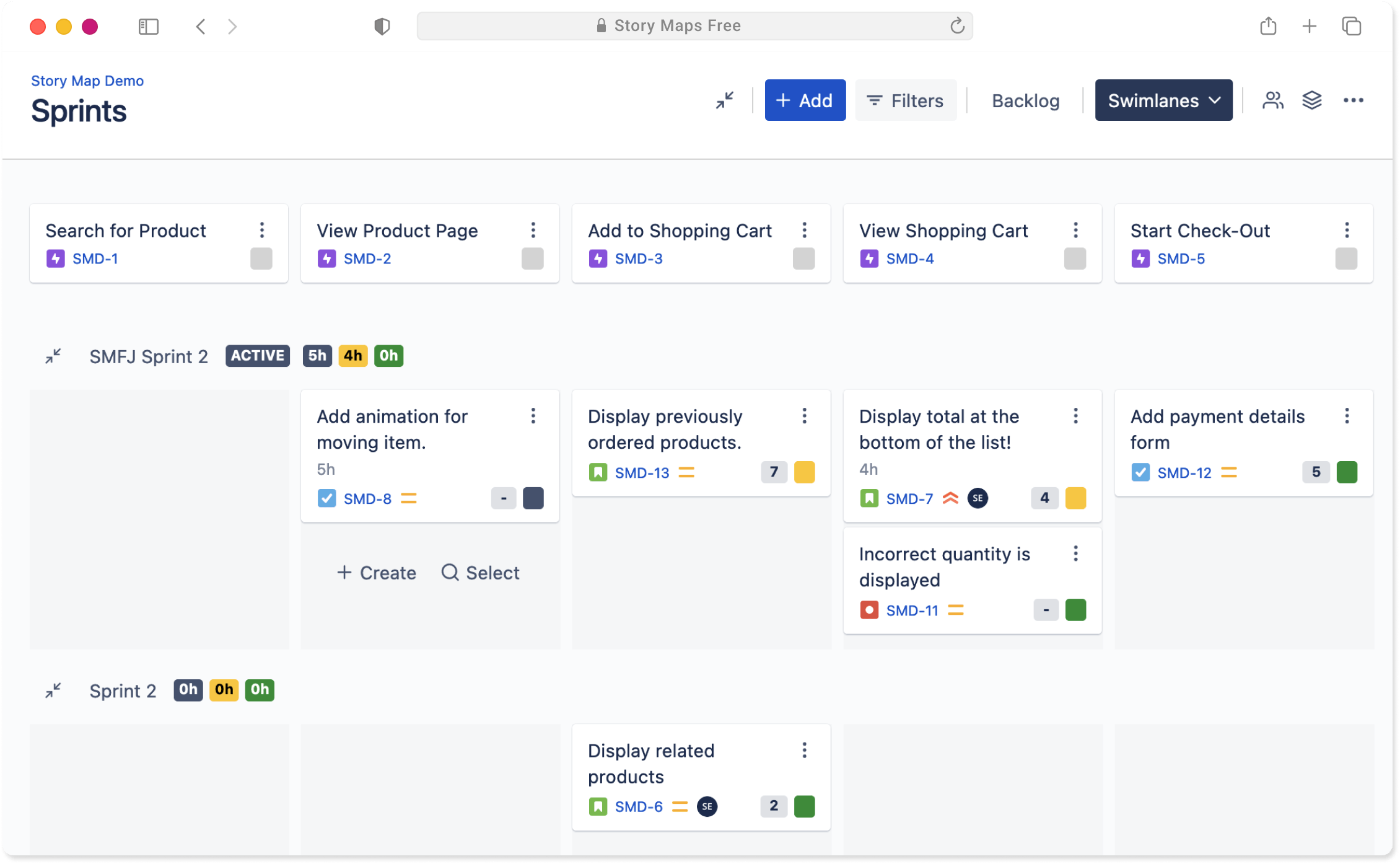
Use swimlanes to place stories in the release or sprint where they are expected to land. The map shows how the pieces fit together before the team commits to the work.
A good question to ask here: does this slice deliver a useful step for someone, or is it just a collection of tickets?
A new Story Maps experience is almost here
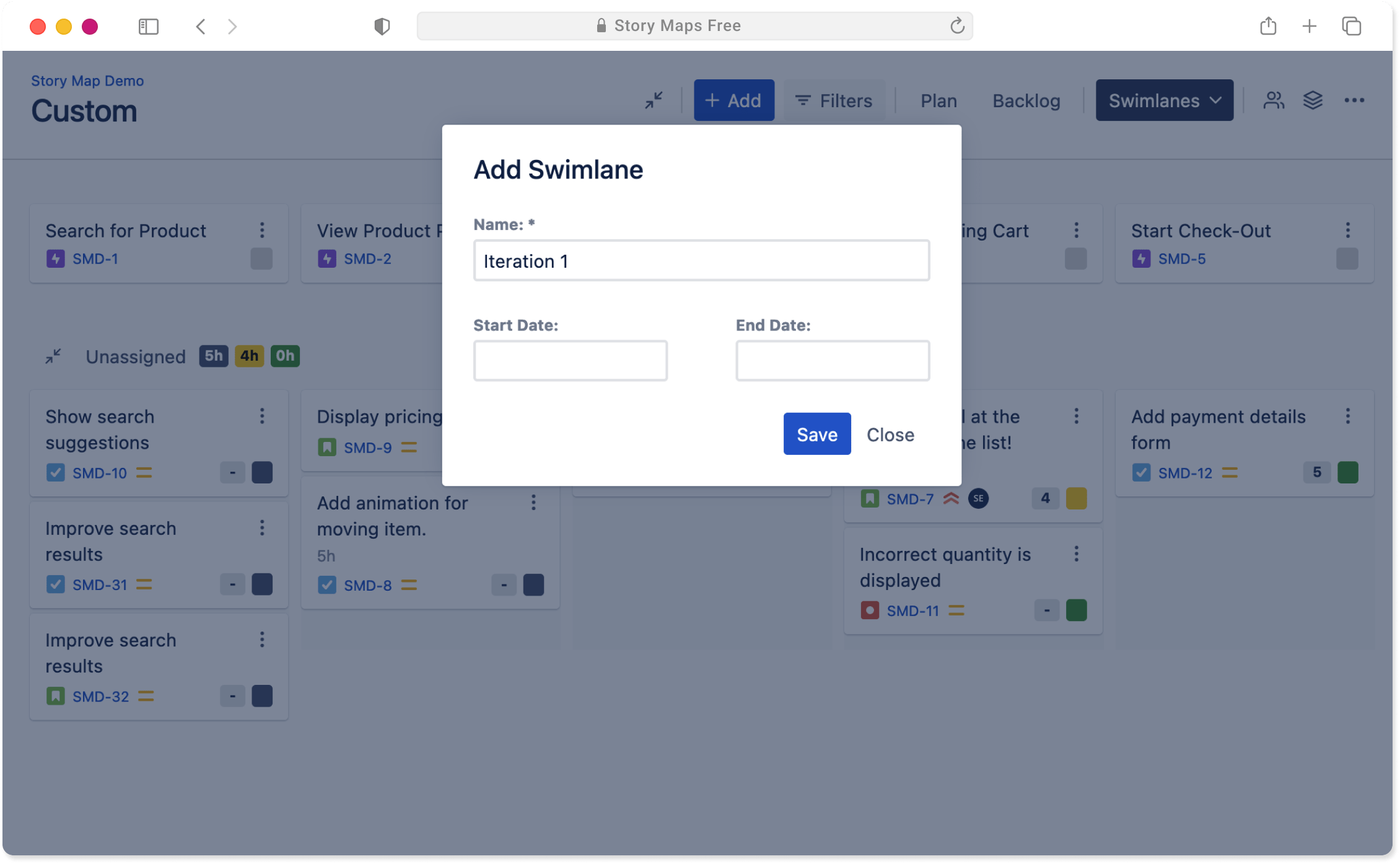
Story Maps for Jira brings multiple maps, sprint and release planning, dependencies, and a Forge-native foundation.
View Story Maps on Atlassian Marketplace